I Bounced Off 3D Tools for 20 Years. AI Changed That.
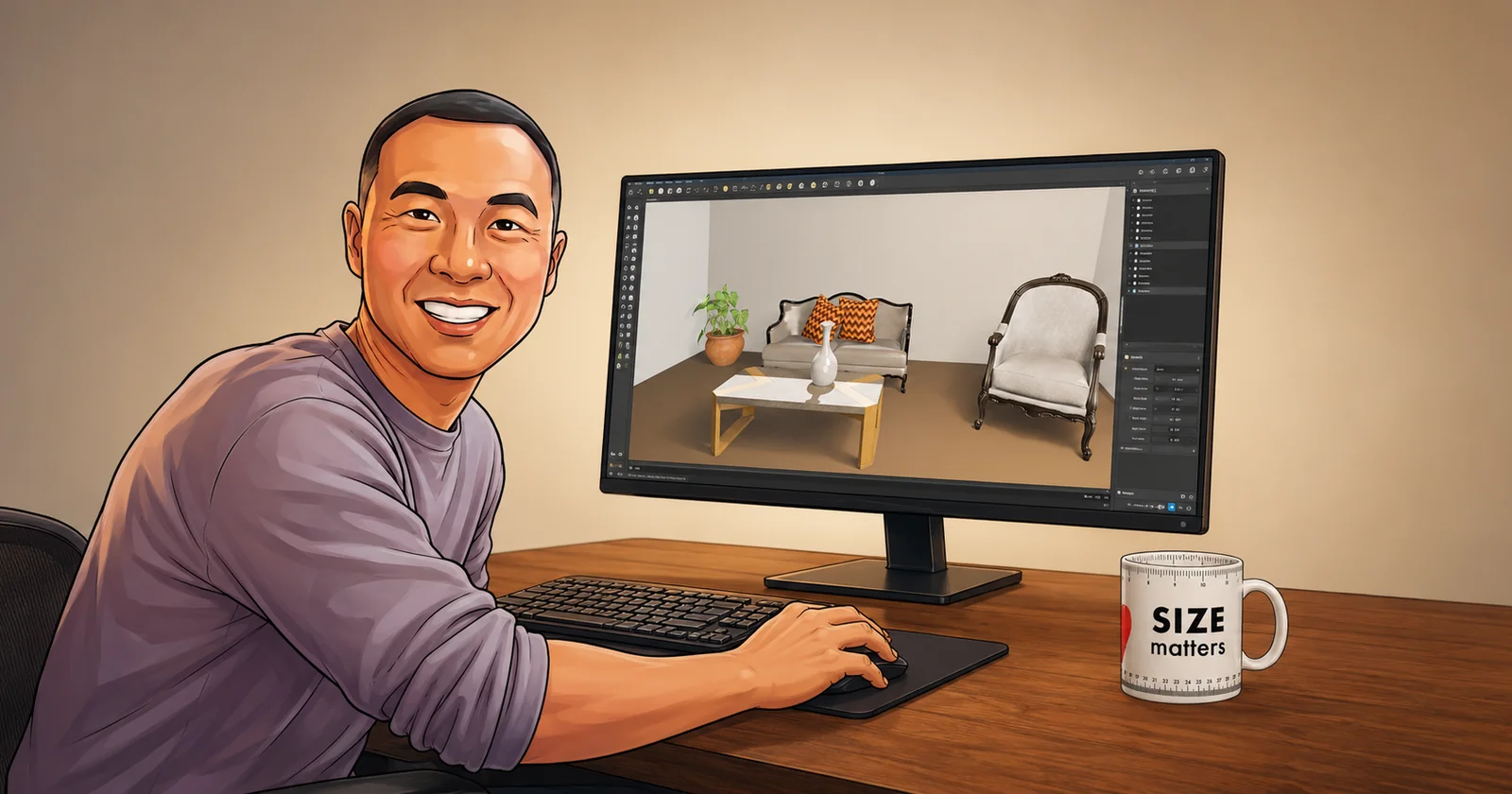
I have been circling 3D modelling tools for twenty years. Blender, Maya, SketchUp, I have had a proper go at all three, and not one of them ever really stuck. Too many buttons, too many panels, too many settings I did not understand, and a learning curve that felt more like a cliff. Last month, on a three day job, one of them finally clicked. The thing that got me over the wall was AI.
Twenty years, three tools, one wall
Let me back up, because this is not my first rodeo with 3D. Not even close.
I first touched Blender at university, doing a Computer Science degree (Network Communications, of all things). It was one module, a small slice of the course. I remember thinking it was powerful and completely overwhelming in the same breath.
A few years later, around 2005, I spent the best part of a year messing about with Maya (before it was acquired by Autodesk), another 3D modelling tool, just to see if it would click. It sort of did, then it did not, and I drifted off it.
Then around 2016, working as an ICT Designer (information and communications technology, the plumbing behind offices, shopping malls, labs, and data centres), I spent another year with SketchUp. This one had a real job to do. I used it to model comms rooms, the equipment cabinets, the cable trays, the spacing you need so an engineer can actually get in and work. Proper practical 3D. And SketchUp was the simple option that let me do it without a PhD in the software.
So that is the pattern. Twenty years, three tools, and every single time the same wall. These things are unbelievably powerful and unbelievably hard to learn. Hundreds of parameters, camera angles, lighting, materials, render settings. You either give a big chunk of your life to one of them, or you hire someone who already has. That was just the deal. Everyone who has poked at this world knows it.
The job that changed the question
Then a client changed the question for me.
They run an architecture and design studio, and they asked something a lot of people are asking right now: could AI automate their 3D design work? They spend real money and time getting each space visualised, and they wondered if a machine could take some of that on.
Instead of guessing, I built them a demo. Three days. (The full story of that job, including why I ended up advising them not to take it further, is over on my Singer & Steel case study if you want the deeper read.) For this post, park the client outcome. The bit that stuck with ME was what happened while I was building the thing.
I set up both SketchUp and Blender and drove them with AI, comparing how each one performed, how fiddly each was to set up, and how well each one could be automated. I wired the rendering up with my own Claude Code harness (SST3-AI-Harness) and let it handle the corners of Blender I have bounced off for two decades.
And it just worked. Not perfectly. Not magically. But I got real rooms out the other end, rendered on a laptop that is more than twelve years old, a machine so old it should be in a museum, sat quietly in my home lab. Twenty years I could not get comfortable in these tools on my own. Three days with AI in the loop and I was actually steering them.
Here is what came out, the same room built two ways, once in SketchUp and once in Blender.
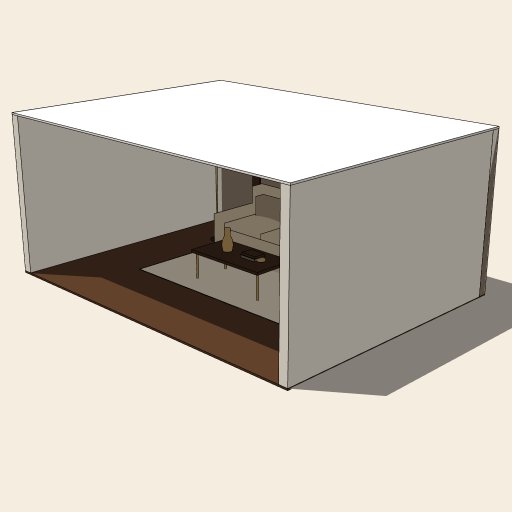
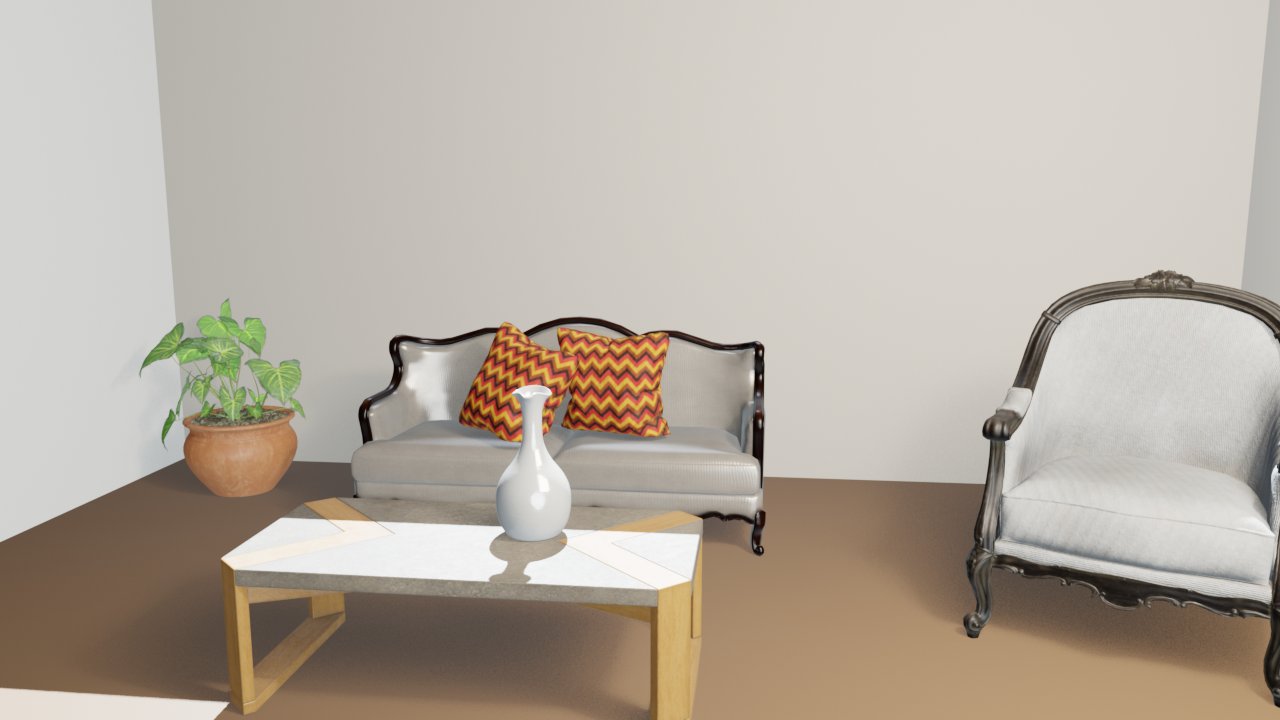
The SketchUp version is rough (I was on the free tier and grabbed the first thing it gave me), the Blender one is a lot closer to real. Same three days, same old laptop.
That is when the penny dropped.
What actually clicked
AI has knocked the barrier down on 3D modelling. The same thing that happened to writing code has now happened here.
Think about what really changed with coding. The power was always there. Compilers, libraries, the whole stack, sat waiting for anyone who wanted it. The wall was never the tools, it was the years of learning to use them well. AI did not make programming trivial, but it turned that wall into a ramp. You can get moving while you learn now, instead of learning for years before you are allowed to move.
3D is the exact same shape. Blender has been around for a very, very long time. It is free, it is open source, and it is genuinely one of the most powerful pieces of software on the planet. The only thing keeping people out was the learning curve, and it is a savage one. SketchUp won a whole market on being simpler, not on being better. Simplicity was the product.
AI takes that wall away. The complexity is still there under the bonnet, it has not gone anywhere, but now you have something that can drive it alongside you. You describe what you want, it handles the fiddly parameters, and you learn by watching it work rather than by chewing through a 400 page manual first. Your time goes into building the deterministic scripts and rules instead, wrapping your own harness around the tool so the workflow runs the same way every time.
This is not the easy button
Now let me be really clear about one thing, because this is where people get it wrong.
This does not make it easy. It makes it “easier”, not easy.
You still need to know what you are doing. You need an engineer’s head, you need to understand the workflow of building a 3D model, and you need to know what “good” looks like so you can spot when the AI has handed you rubbish (it will, plenty). AI did not delete the skill. It moved where the skill sits. Less time fighting the buttons, more time thinking about the actual problem: the shot, the space, the thing you are trying to build. It speeds you up, it lets you automate the repetitive bits, and it lets you build proper repeatable workflows around a tool that used to punish you for every wrong click.
On my first proper go, the renders came out a mess. Constant conflicts, objects overlapping each other, weird shit all over the image. I had to set some ground rules and build collision detection into the Blender harness myself before it behaved. That is the work now. Not clicking the buttons, but knowing which rules the thing needs so it stops making a mess.
I have written before about how learning AI itself is hard, three years in and still only scratching the surface. This is the same coin, other side. The tools get easier to get into, but getting genuinely good still takes what it always took: doing the reps, back to basics, walking before you run. AI gets you on the road. It is not the destination.
The door is open now
Here is what has actually changed for me. For twenty years, 3D modelling sat in the “one day, maybe, if I ever have a spare year” pile. A tool I respected from a distance and never committed to. That pile looks different now. The stuff that used to need a year of runway before you got anything useful out, you can start on this week.
I am not telling anyone to go and fire their 3D artist. The expert who has done the reps still runs rings around a beginner with an AI, and for real professional work that gap matters (that was half the point of the Singer & Steel job). But the door that was bolted shut for most people is open now. A free tool, an old laptop, and an AI that has already read the manual so you do not have to start there.
Twenty years I bounced off these things. Turns out I just needed a different way in.